
What is DisplayPort AOC
(DisplayPort Fiber Optical Cables)?
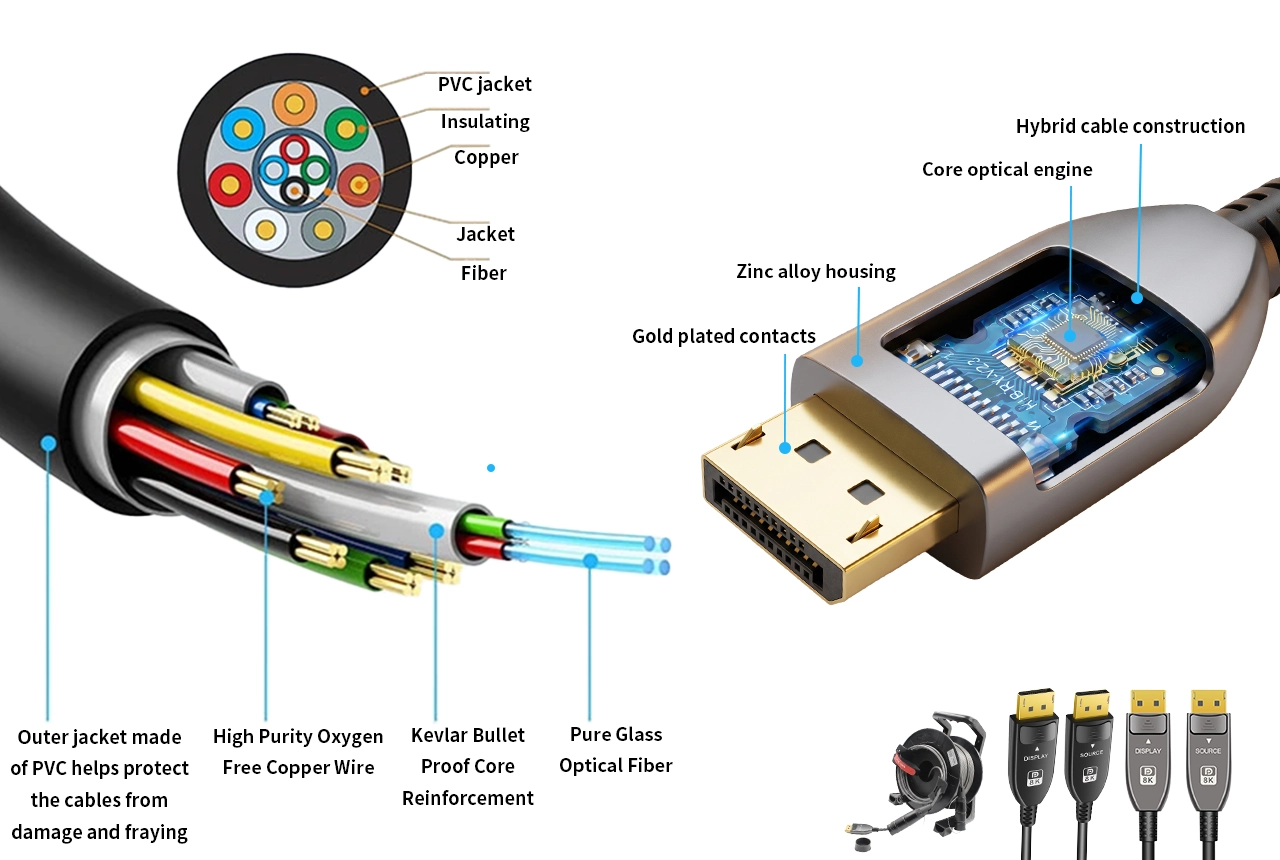
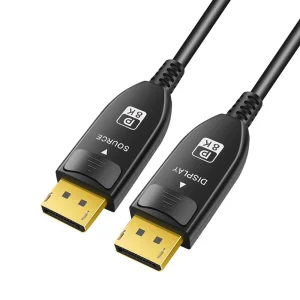
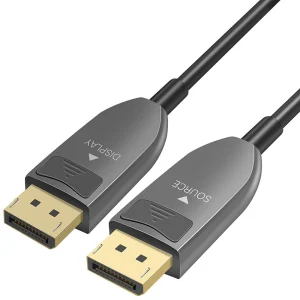
DisplayPort Active Optical Cable (AOC) is a hybrid fiber-optic DP cable that converts electrical DisplayPort signals into optical signals for longer-distance transmission, then converts them back at the display end.
Unlike traditional copper DP cables, DisplayPort AOC is designed for high-bandwidth, long-distance connections between DP-enabled source devices and DisplayPort monitors. It helps reduce signal loss, improves EMI resistance, and supports stable 4K/8K display, high refresh rates, and multi-monitor setups.
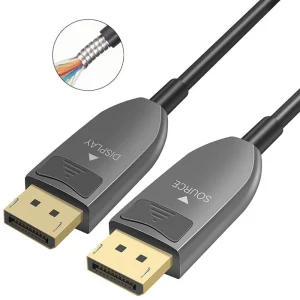
DisplayPort AOC is commonly used with desktop PCs, graphics cards, workstations, gaming monitors, professional monitors, simulation displays, and AV integration projects where DP connectivity is required. The armored version is designed for tougher installations such as AV rental, exhibitions, stage systems, equipment racks, control rooms, and temporary setups where cables may face frequent routing, pulling, or stepping.
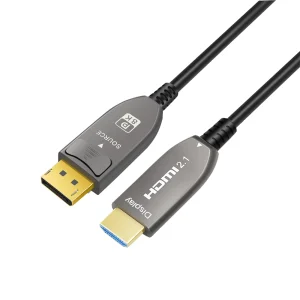
Why Choose Fibre Optic DisplayPort AOC Cables?
Active Optical DisplayPort (DP) cables extend high-bandwidth DP signals beyond typical copper limitations—helping you keep stable,
high-refresh video for demanding DP workflows.
Source
PC / GPU / Workstation / Gaming Console
DisplayPort AOC
Long-distance DP optical transmission
Device
Displays / Gaming Monitors / TV / Video Wall
Up to 150m · Up to 54Gbps · 4K@144Hz / 240Hz · 5K/8K@60Hz · Zero EMI Susceptibility
The limits of copper DisplayPort cables
The advantages of fibre optic DisplayPort cables
Recommended Use Cases
Built for high-resolution AV systems that need longer reach, higher bandwidth, and stable signal integrity
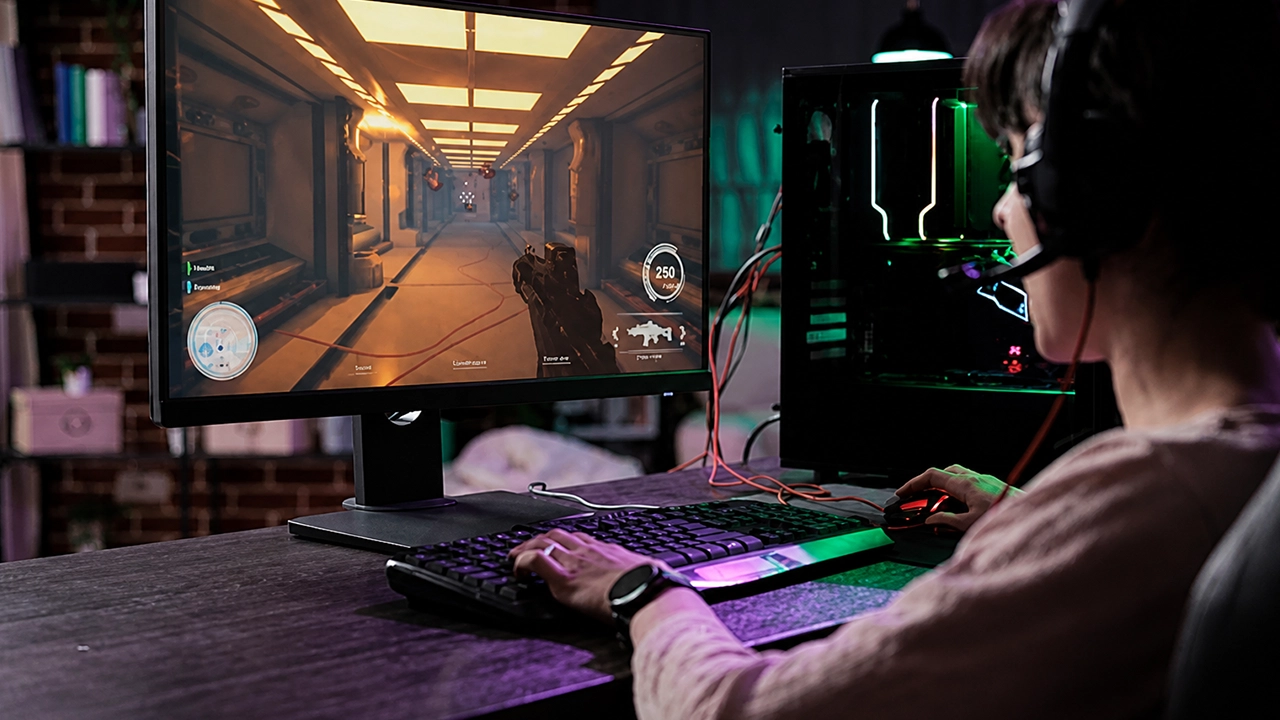
Gaming Room
For esports setups, the key is stable, high-refresh DisplayPort video output from the PC/graphics source to the gaming displays. In real rooms, sources and monitors are often separated by desks, racks, and routed cable paths—so copper DP links may not stay equally reliable over longer runs. DP AOC delivers more consistent DisplayPort link behavior with long-distance transmission, helping keep gameplay smooth and reducing the risk of unstable performance during extended sessions.
Recommended Series:
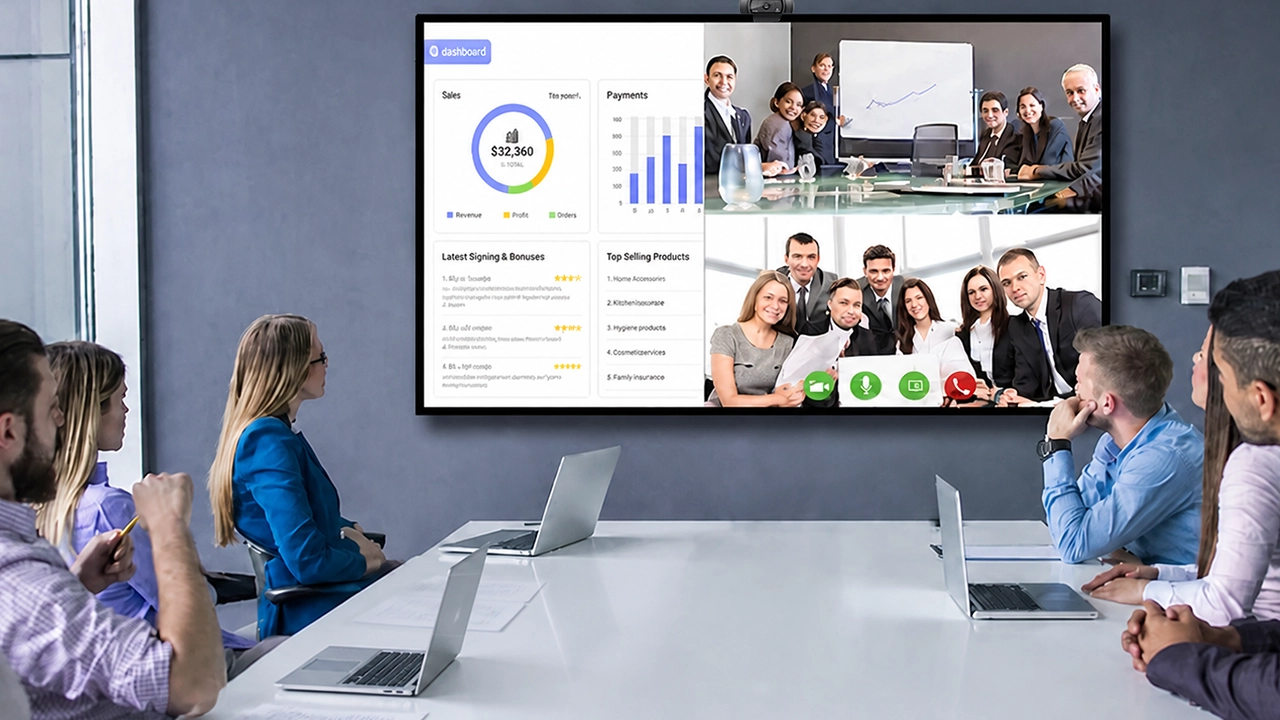
Video Conference Room
Modern meeting rooms require reliable long-distance AV connections for smooth presentations. Teams, Zoom/streaming workflows, and multi-display layouts often mean the workstation source and the display endpoints are not next to each other. DP AOC supports high-bandwidth DisplayPort transmission over distance, helping maintain stable signal integrity for everyday conference usage—without forcing “short cable only” installations.
Recommended Series:
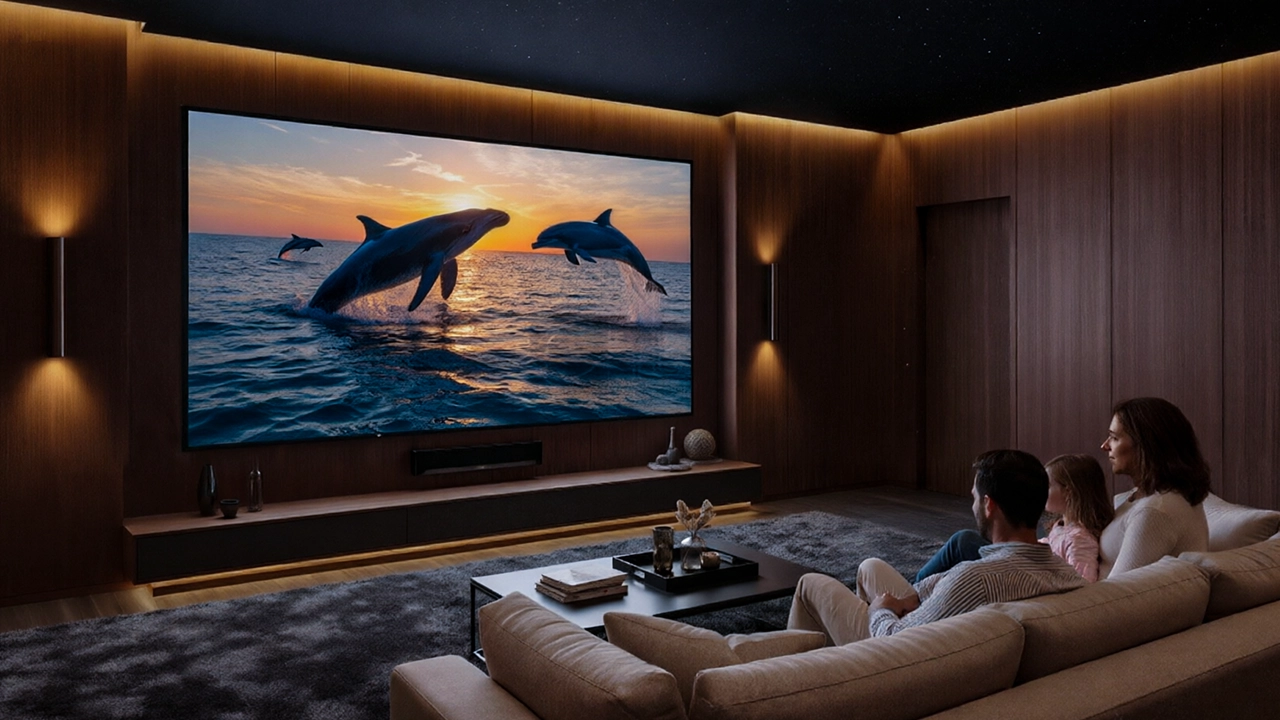
Home Theater
In home theater projects where the source outputs DisplayPort (DP 1.4) but the TV/projector accepts HDMI 2.1, DP AOC still needs to match the real interface requirement of the installation. DP1.4 TO HDMI2.1 AOC converts the long-distance DP link into an HDMI 2.1-compatible delivery path, helping achieve a stable high-bandwidth home theater connection without forcing equipment to sit next to each other.
Recommended Series:

Digital Signage & LED Display
Digital signage systems must run reliably for long hours with consistent output. In retail, transport, and corporate display deployments, content sources (players/servers/workstations) and display locations often require long cable routing and clean installation paths. When signage installations face outdoor exposure or high-handling cabling conditions—such as cable routing in constrained areas, frequent repositioning during maintenance, or environments where the cable can be pressed, tugged, or stepped on—ARMORED DP1.4 AOC is a stronger choice to protect the long-distance DP link during real-world installation. For standard indoor signage runs, DP1.4/DP2.1 can be selected based on bandwidth and display requirements.
Recommended Series:
Video Wall & Control Room
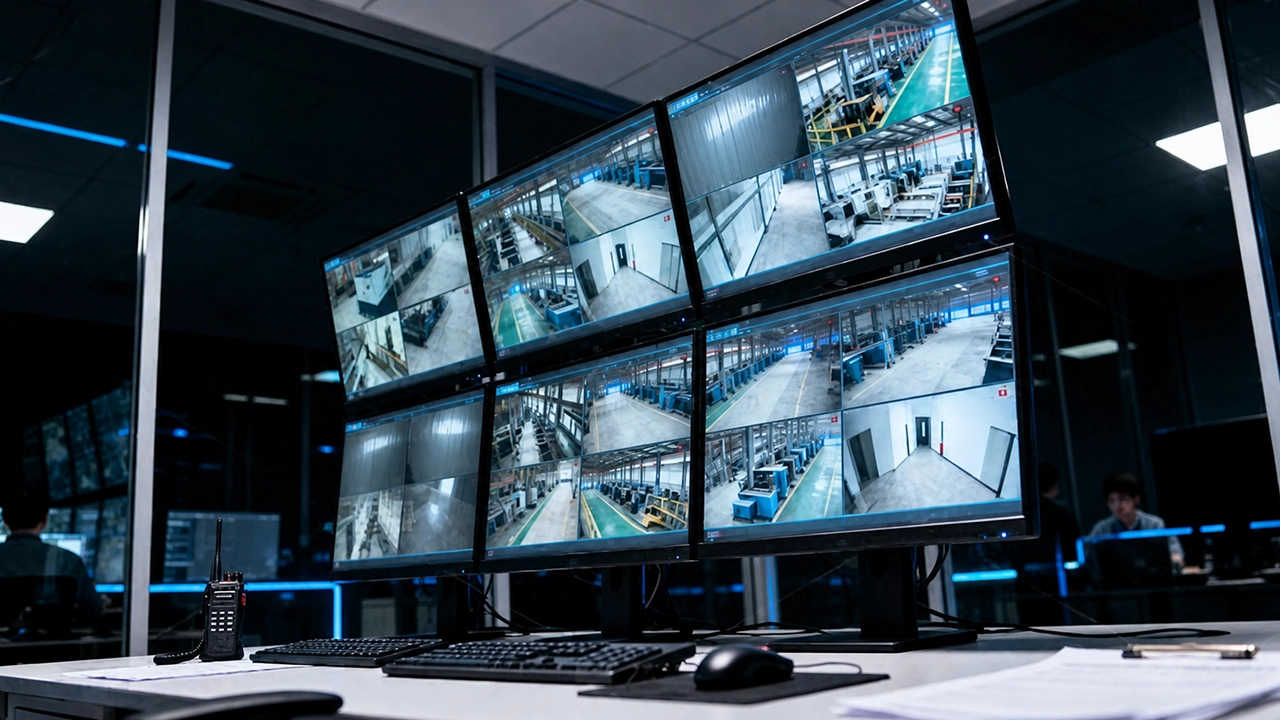
Control rooms and video wall environments require dependable high-resolution signal delivery across longer infrastructure routes. Whether it’s multi-screen monitoring, command dashboards, or wall processor connections, the source-to-display link needs to stay stable under demanding operating conditions. When installations go through harsher areas—such as outdoor-facing routing, equipment racks with frequent handling, or staged/temporary maintenance workflows—cable protection becomes part of signal reliability. ARMORED DP1.4 AOC helps keep long-distance DP transmission dependable in these tougher deployment environments.
Recommended Series:
Outdoor / AV Rental / Exhibition
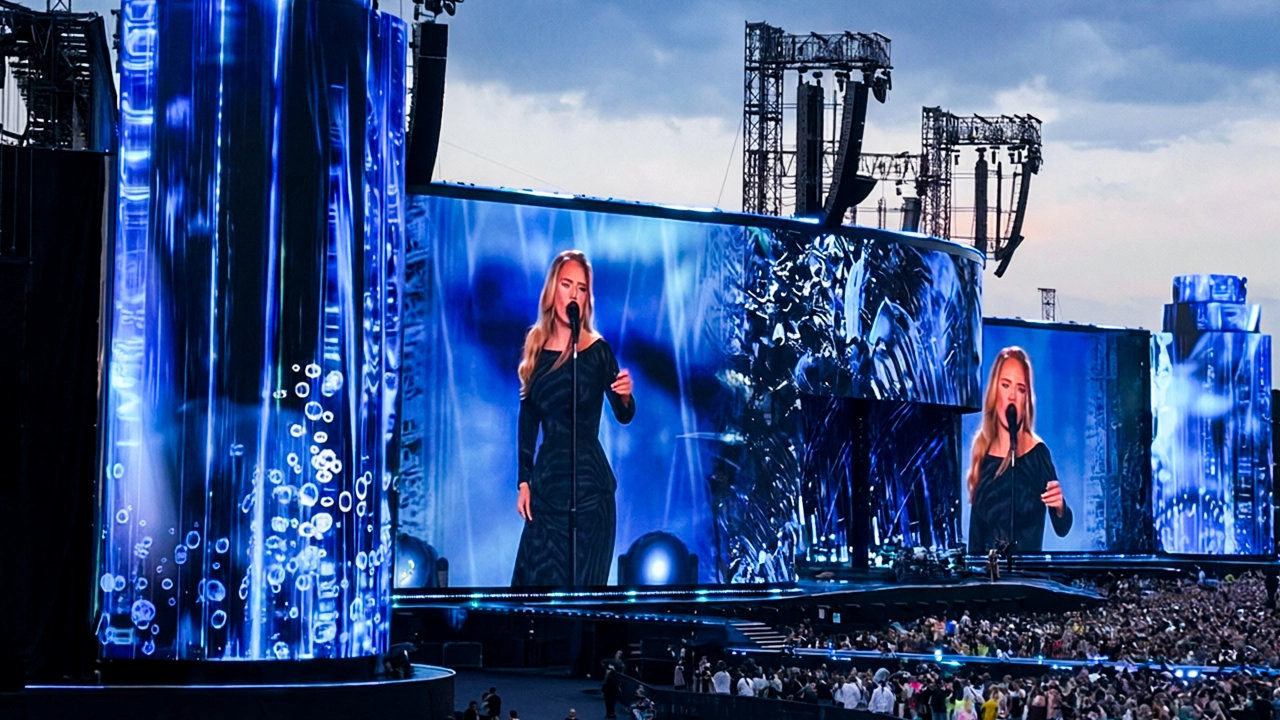
In AV rental, exhibitions, and temporary stage deployments, cables are frequently pulled, re-routed, staged, and installed under tougher conditions. This is where mechanical protection matters as much as signal performance. ARMORED DP1.4 AOC is designed for these demanding environments, helping keep long-distance DisplayPort transmission dependable when installation handling is harsh.
Recommended Series:
Questions? We’ll help you find a solution.
DisplayPort AOC News & Insights
3-Hello world!Welcome to WordPress.
Welcome to WordPress. This is your first post. Edit or delete it, then start writing! Welcome to WordPress. This is your first post. Edit or delete it, then start writing!
2-Hello world!Welcome to WordPress.
Welcome to WordPress. This is your first post. Edit or delete it, then start writing! Welcome to WordPress. This is your first post. Edit or delete it, then start writing!
1-Hello world!Welcome to WordPress.
Welcome to WordPress. This is your first post. Edit or delete it, then start writing! Welcome to WordPress. This is your first post. Edit or delete it, then start writing!
Fiber Optic DisplayPort AOC FAQs
A1: Choose based on your target resolution + refresh rate + bit depth (and whether you need extra bandwidth headroom).
- If your setup is mostly 4K/60 (or common high-refresh modes that fit your displays), DP 1.4 AOC is usually enough.
- If you’re pushing higher-end modes (higher refresh, higher color depth, or bandwidth-heavy combinations), DP 2.1 AOC is the safer pick because it offers more available link bandwidth.
A2: “Support” depends on the full chain: PC/GPU + AOC + display (or receiver) + the exact mode you select. To confirm quickly: set the display mode you want first (resolution/refresh/color depth), then verify whether you get stable picture with no downshift (no unexpected refresh-rate drop / color-depth change / link resets). If it doesn’t hold, lower the mode or switch to DP 2.1 AOC.
A3: This is usually a link negotiation issue (the requested mode can’t be agreed at that bandwidth/format). Try in this order:
- Reduce refresh rate (e.g., 120 → 100/60)
- Reduce color depth (e.g., 10-bit → 8-bit) or change HDR off temporarily
- If you’re near the limit, upgrade to DP 2.1 AOC
- Avoid extra compatibility layers (e.g., questionable adapters) unless they’re rated for the mode
A4: Often yes, but it depends on whether both the source and the display support the feature over the negotiated DP mode. If HDR/VRR causes instability:
- First test with HDR/VRR turned off to prove the base video mode is stable
- Then re-enable features one by one
- If you still see flicker/instability, drop to a slightly more conservative mode or use DP 2.1 AOC for more bandwidth margin
A5: Not usually. Audio over DP typically relies on the display/receiver being detected correctly and the OS selecting the right output. Common fixes:
- In system sound settings, choose the correct “DP/HDMI display” audio device
- If you’re using a DP → HDMI2.1 conversion, confirm the receiver/display supports the audio formats you expect
- If audio cuts out when you change refresh rate, set a stable refresh-rate/mode combination first
A6: With AOC, longer runs are usually more stable than passive copper, but the link can still hit bandwidth limits depending on your chosen mode. Rule of thumb:
- Higher refresh + higher resolution + higher color depth = more demanding
- Longer runs + demanding modes = more likely to need mode reduction (refresh/color depth) to stay stable
A7:
- ARMORED DP1.4 AOC: choose when the cable will face harsh installation/handling conditions (tight routing, frequent movement, outdoor/industrial environments, or where physical protection matters).
- DP1.4 TO HDMI2.1 AOC: choose when your source is DP 1.4 and your display/receiver input is HDMI 2.1. Also note these cables are typically direction-specific—make sure the DP side really connects to the DP source and the HDMI side to the HDMI 2.1 input.