
What are fiber‑optic cables?
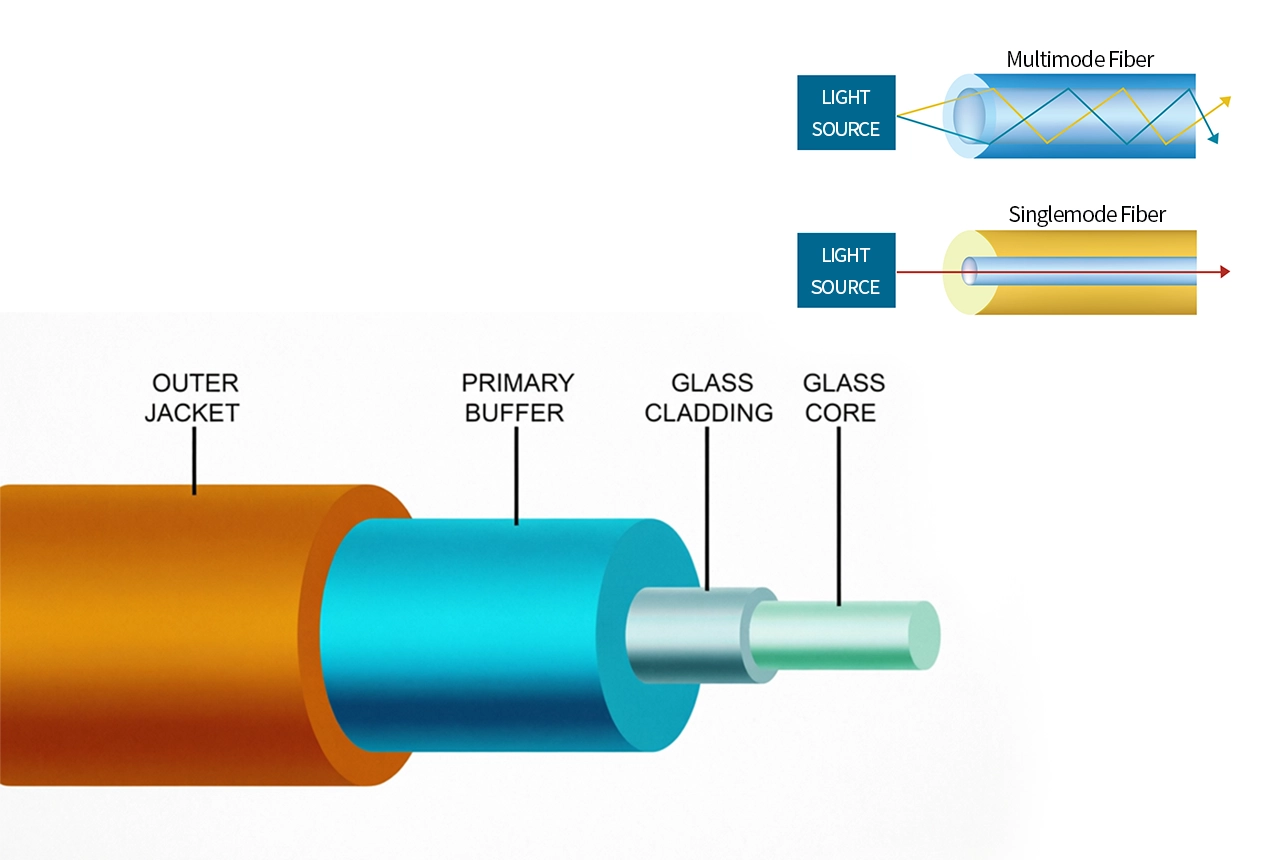
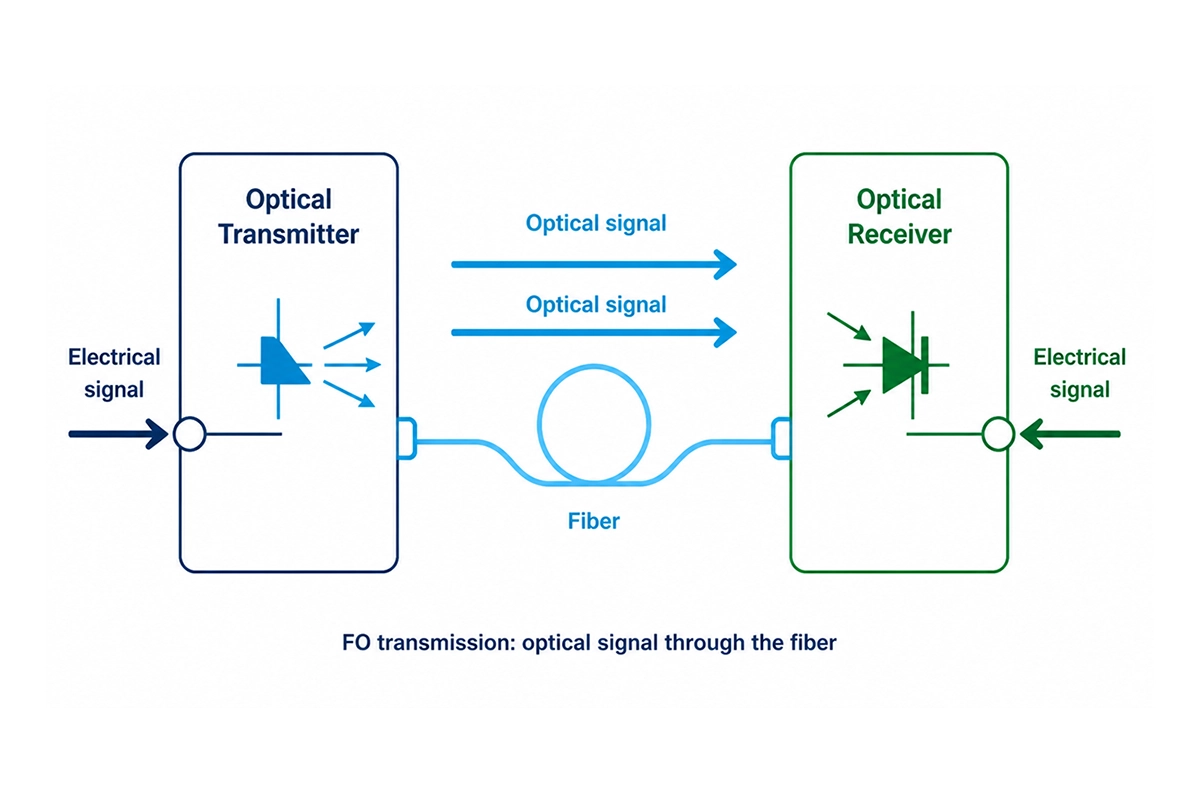
Fiber‑optic cables are network cables that transmit data using light instead of electrical signals. Inside the cable are optical fibers made from glass or plastic, designed to guide light from the transmitter to the receiver with high clarity and stable signal delivery. In an optical link, a transmitter converts electrical information into light, the fiber carries the light over distance, and the receiver converts the incoming light back into electrical signals for your system.
Depending on the fiber type, light travels differently: multimode fiber allows light to follow multiple paths (modes), which is often used for shorter‑reach connections, while single‑mode fiber guides light in a more controlled way with essentially one primary propagation path—supporting longer distances and more precise transmission.
Advantages
The Principle of Fiber Optic Cables Transmission
Fiber-optic cables transmit data in the form of light across the link. Instead of sending electrical pulses directly through conductors, the transmitter produces an optical signal that travels through the fiber. At the receiving end, the optical signal is converted back into electrical signals and then evaluated and processed by your system.
Because optical transmission is metal-free along the signal path, fiber links are commonly selected where reliability, interference resistance, and long-distance/fast data needs are critical.
Fiber‑Optic Cables in Use
From short runs to long-distance connections, fiber-optic cables provide the right link type for modern industrial and network connectivity needs. They support stable data transmission in environments where electrical cabling may face higher interference challenges—helping solutions from facility/industrial automation connectivity to data center and enterprise networking, as well as broader telecommunications-style communication links that carry internet and other high-bandwidth services.
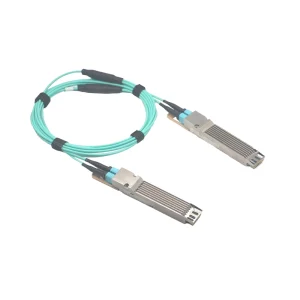
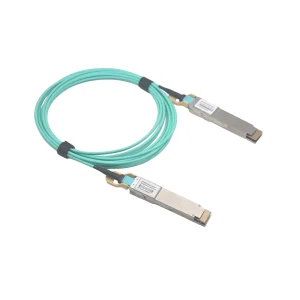
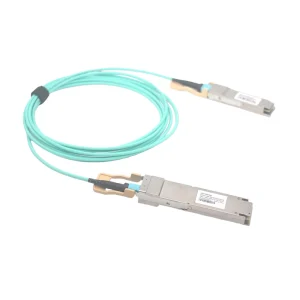
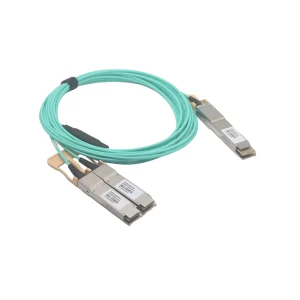
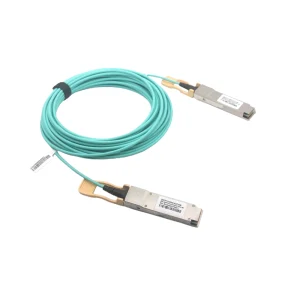
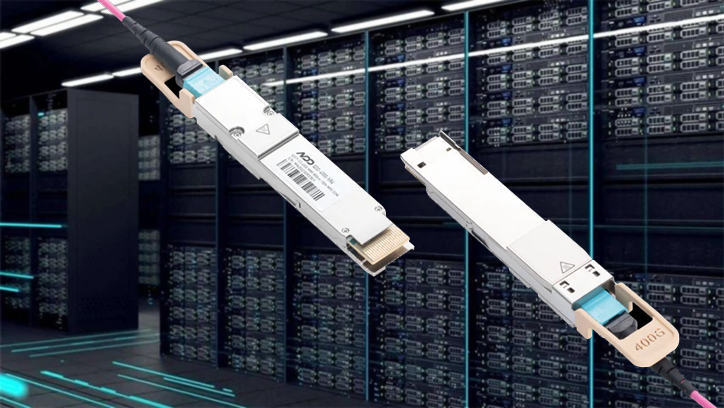
In practice, choosing fiber-optic cables isn’t only about “the fiber itself”—it’s about matching the complete optical chain: the cable foundation, the connector interface (e.g., LC-based cabling/termination), the assembly style, and the endpoint hardware that together deliver a dependable connection. For many modern installations, this is also why AOC (Active Optical Cable) assemblies are increasingly used—combining optical transmission with integrated optical/electrical conversion in compact interconnects for longer-reach data and A/V-style connections.

Bulk Fiber & Cables
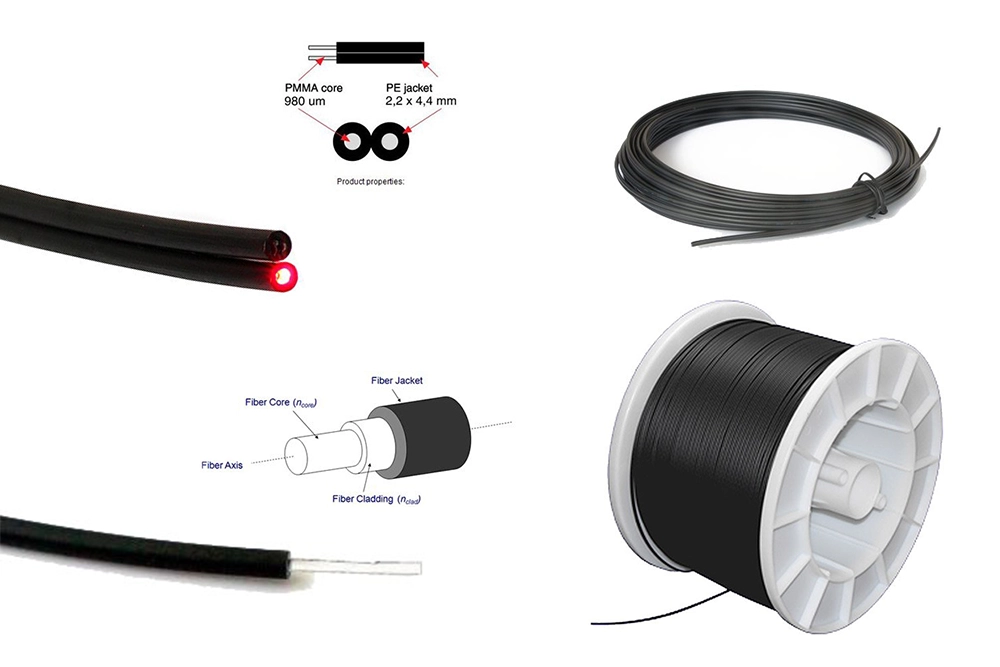
For projects where you want to design the cabling concept from the ground up. Our FTTR TAC Fiber and POF Fiber & Cables options give you flexible building blocks for constructing reliable optical links and matching the right connectivity approach to your installation plan.
Why it fits
Connectors & Ferrules
Stable optical connectivity begins with precise alignment. This category covers connector and ferrule options (e.g., FC, ST, SMA, Toslink) designed to secure the fiber interface and keep light transmission consistent across everyday installation and maintenance scenarios.
Why it fits
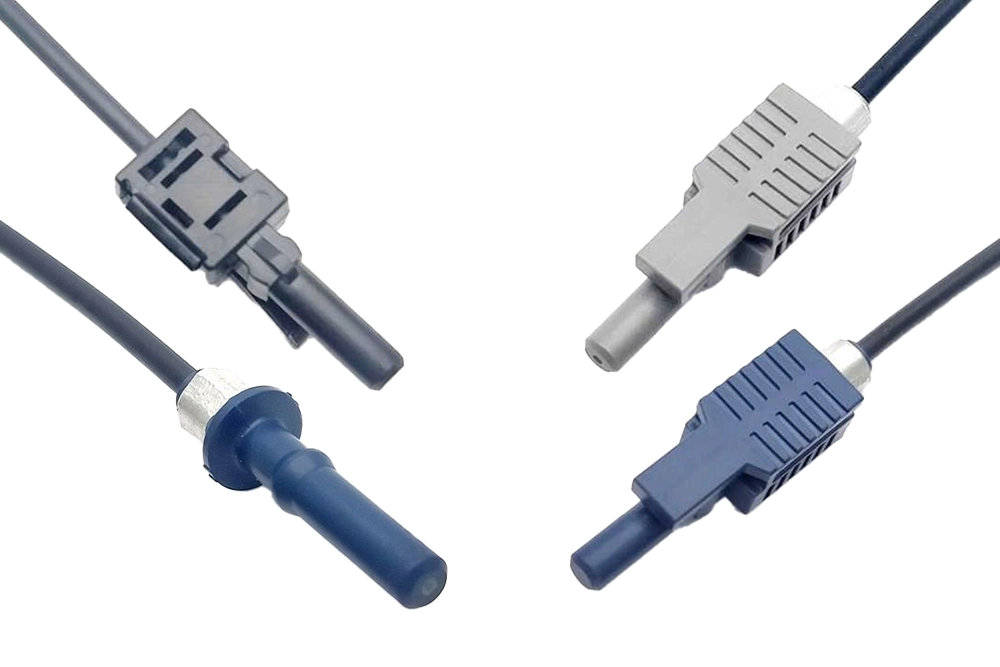
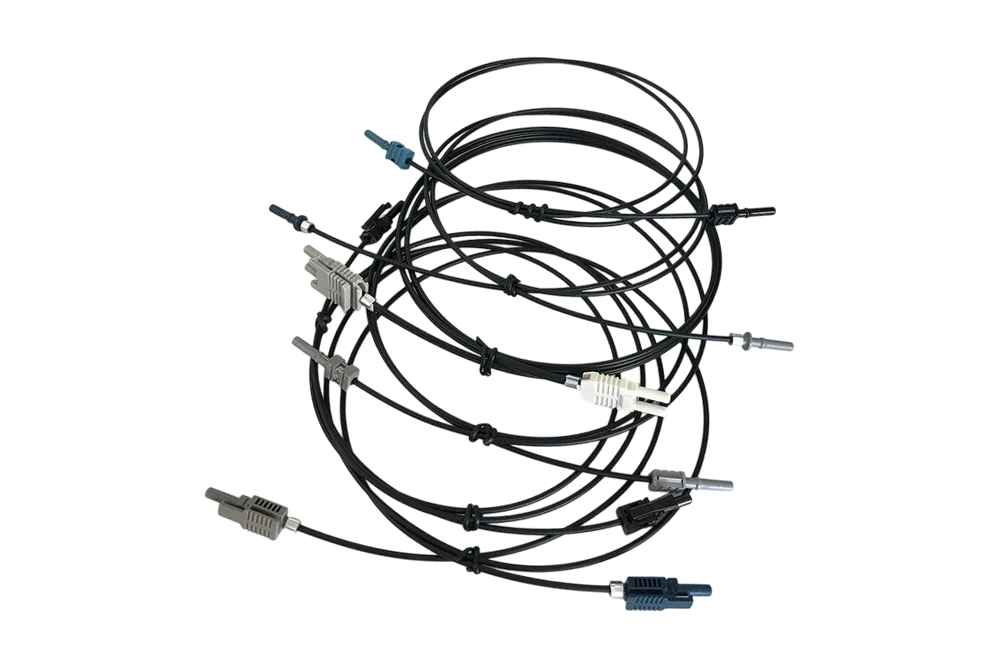
Fiber Cable Assemblies
When time on site matters, pre-assembled fiber cable solutions can reduce installation workload and speed up deployment. Our Versatile Link / FC / MiniTTO / MOST / SMA905 / SMI / ST / Toshiba TOCP series and Custom Cable Assemblies are designed to deliver ready-to-use interconnects with the connector end finished for faster setup.
Why it fits
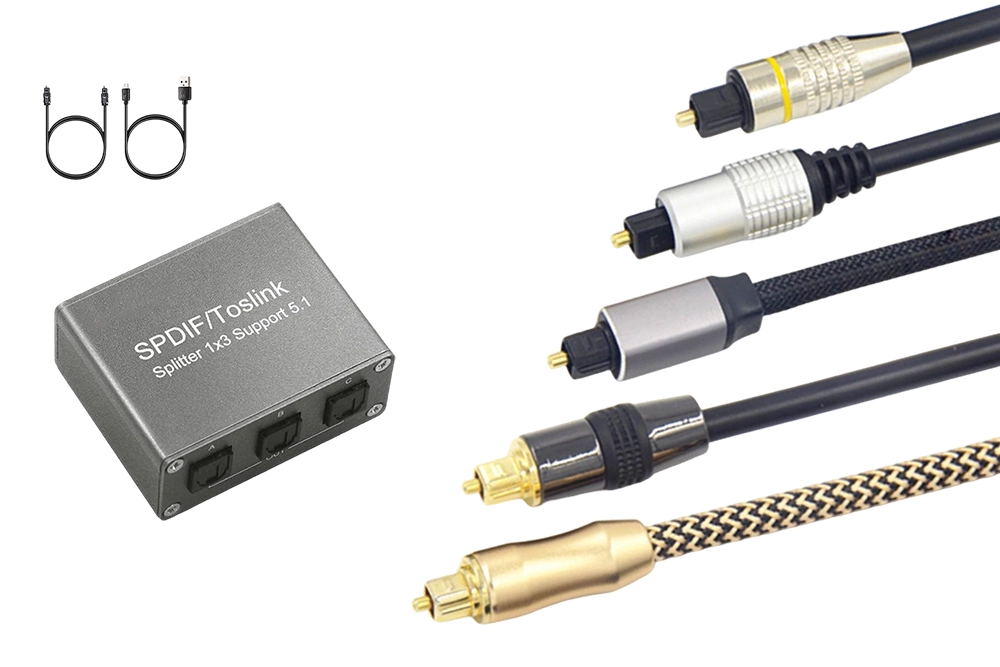
Toslink Cables & Splitters
For optical audio routing, Toslink cables and splitters help you extend and distribute light-based signal paths with a simple, media-friendly connectivity approach. Use them to connect an optical audio source to multiple destinations while keeping the setup clean and organized.
Why it fits
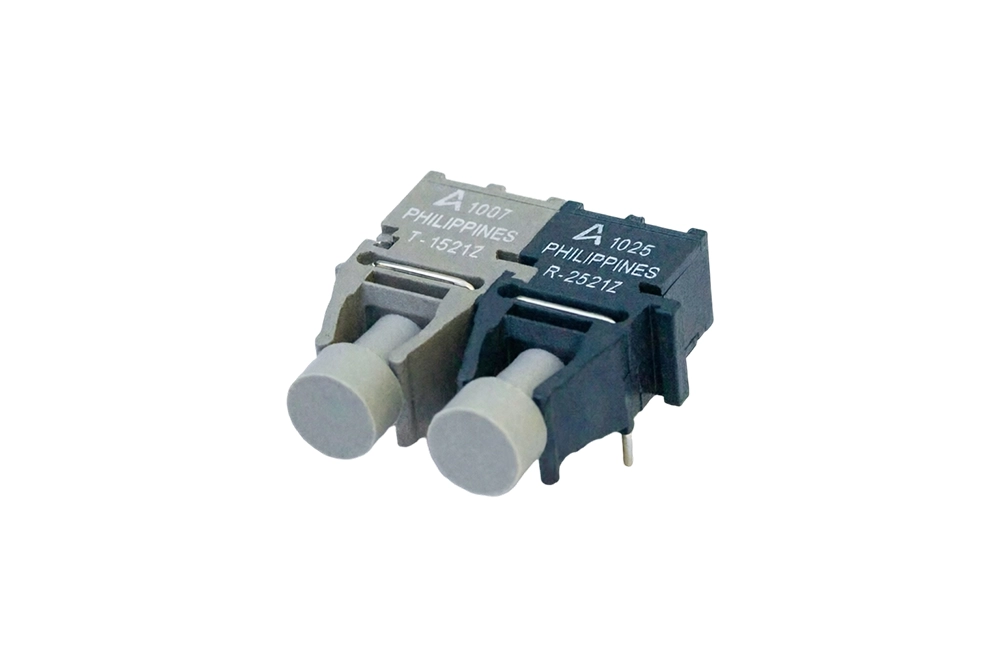
Transmitters & Receivers
To complete the fiber link, you need endpoint devices that bridge electrical/control interfaces with optical transmission. Our Industrial Transceivers and Toslink Transceivers convert electrical signals to optical output at the transmitter side, then convert received optical back into electrical signals for processing at the receiver side
Why it fits
Fiber Optic Lighting
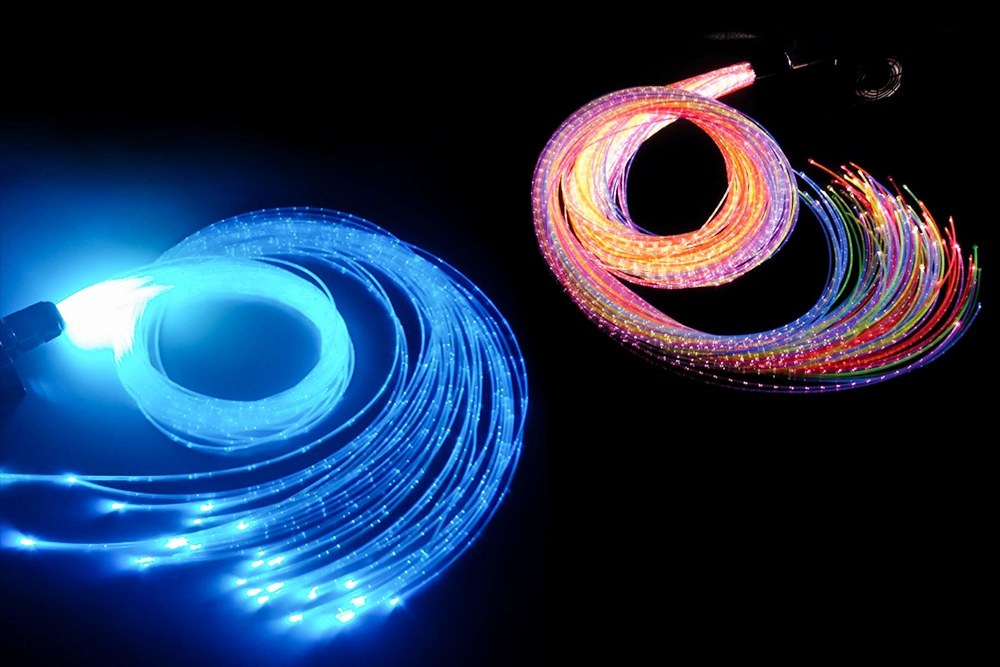
Fiber-optic lighting transforms optical transmission into practical illumination solutions. It routes light through fiber “light pipes,” sending optical output to remote locations—ideal when you need flexible light delivery where conventional wiring or placement is inconvenient
Why it fits
Fiber Optic Cables News & Insights
3-Hello world!Welcome to WordPress.
Welcome to WordPress. This is your first post. Edit or delete it, then start writing! Welcome to WordPress. This is your first post. Edit or delete it, then start writing!
3-Hello world!Welcome to WordPress.
Welcome to WordPress. This is your first post. Edit or delete it, then start writing! Welcome to WordPress. This is your first post. Edit or delete it, then start writing!
3-Hello world!Welcome to WordPress.
Welcome to WordPress. This is your first post. Edit or delete it, then start writing! Welcome to WordPress. This is your first post. Edit or delete it, then start writing!
Fiber Optic Cables FAQs
A1: Start from what you need to install:
- bulk fiber & cables for custom builds
- connectors & ferrules for terminations/maintenance
- fiber cable assemblies for ready-to-use links
- Toslink cables & splitters for optical audio routing/distribution
A2. Confirm connector/interface type (e.g., FC / ST / SMA / Toslink / Versatile Link), cable type (e.g., POF cable assemblies vs other options in your catalog), length, and whether you need a single link or split/distribution. If you’re unsure, match the connector on both ends or use a defined compatible category.
A3: Not directly. Optical connectors are mechanically keyed and aligned for specific interfaces. If the connector families differ, you typically need the correct compatible connector or a compatible adapter/solution (recommended: choose the same connector family on both ends to minimize risk).
A4: Connectors & ferrules are for cases where you (or your system integrator) will handle terminations and mating. Fiber cable assemblies are finished links intended to reduce on-site work and keep your deployment consistent.
A5: Use careful cable handling: avoid over-bending/tight radius during routing, keep connectors protected until mating, and ensure connectors are fully seated. Poor handling is a common cause of degraded optical coupling and unstable link performance.
A6: In most cases, fiber-optic transmission is immune to electromagnetic interference because it carries information via light rather than electrical current — so it’s commonly chosen when EMI/EMC is a concern.
A7: Maintain clean mating surfaces. Dust or residue on optical connector faces can reduce optical coupling and cause intermittent performance—clean before mating and use dust caps when not connected.
A8: Splitters distribute optical power to multiple outputs. In practice, you should plan for signal budget (more splits can reduce output strength). Choose a splitter setup that matches how many destinations you need and keep cable routing clean and consistent.
A9: Match the optical interface requirements end-to-end: the cabling’s connector/interface, and the system’s endpoint hardware category (e.g., Industrial Transceivers vs Toslink Transceivers). A mismatch at the optical interface is the most common cause of “it doesn’t work” issues.
A10. Choose standard jumper/assembly options when your routing is straightforward and connector interfaces are known. Choose Custom Cable Assemblies when you need specific length, routing constraints, or connector configuration to fit your build and reduce field adjustments.
A11. Recommended flow: (1) decide the build approach (bulk/assembly), (2) pick the connector family for end interfaces, (3) confirm lengths and routing constraints, (4) add split/distribution components only where needed, and (5) finish with transmitters/receivers that match the chosen optical interface.